
An AI studio for your photos
AI photos and videofrom your ideas
PhotoGen is an AI photo and video studio. Choose a look, add your photo, and create a new version of yourself. From a studio portrait to a scene from a film.
No account needed to browse examples
Templates to choose from: 515Browse the catalog without an account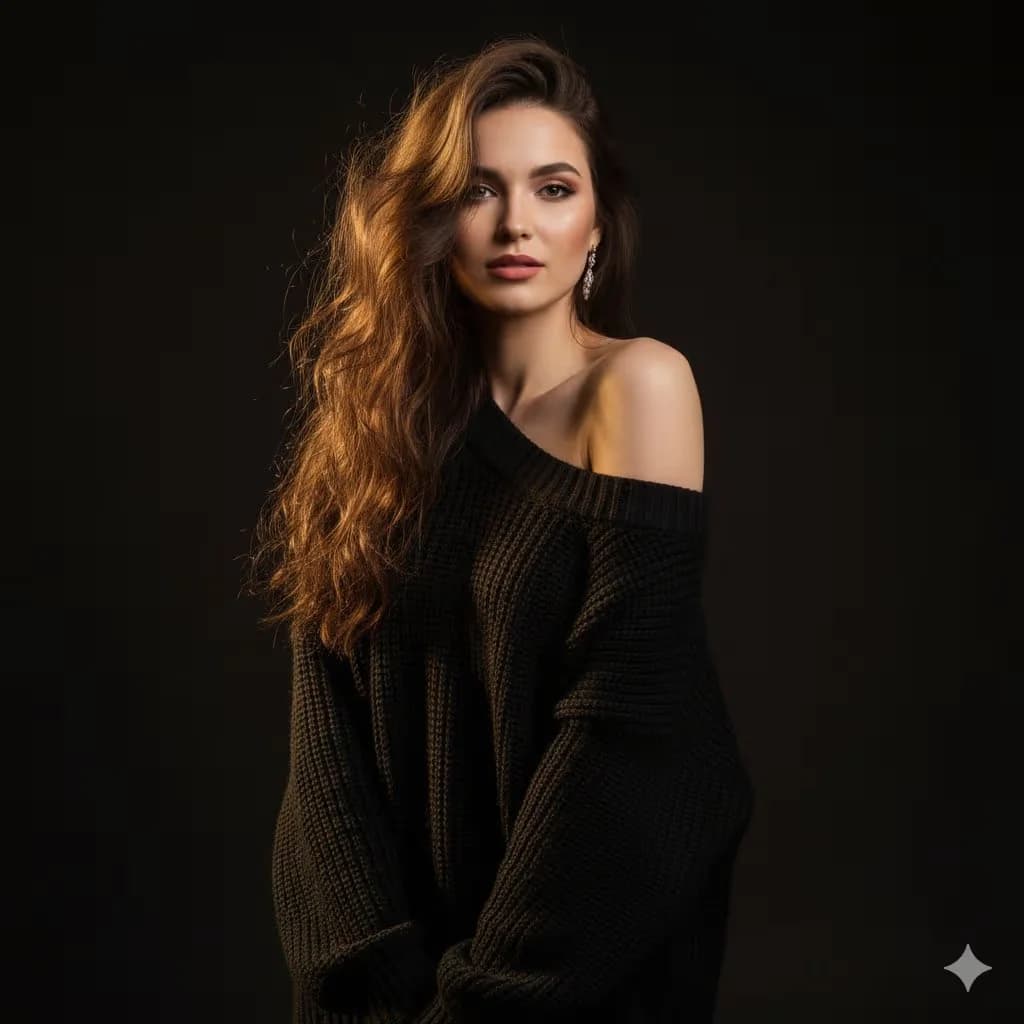
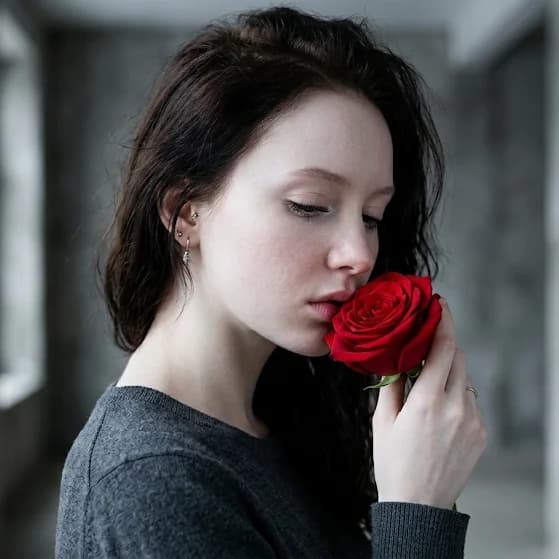
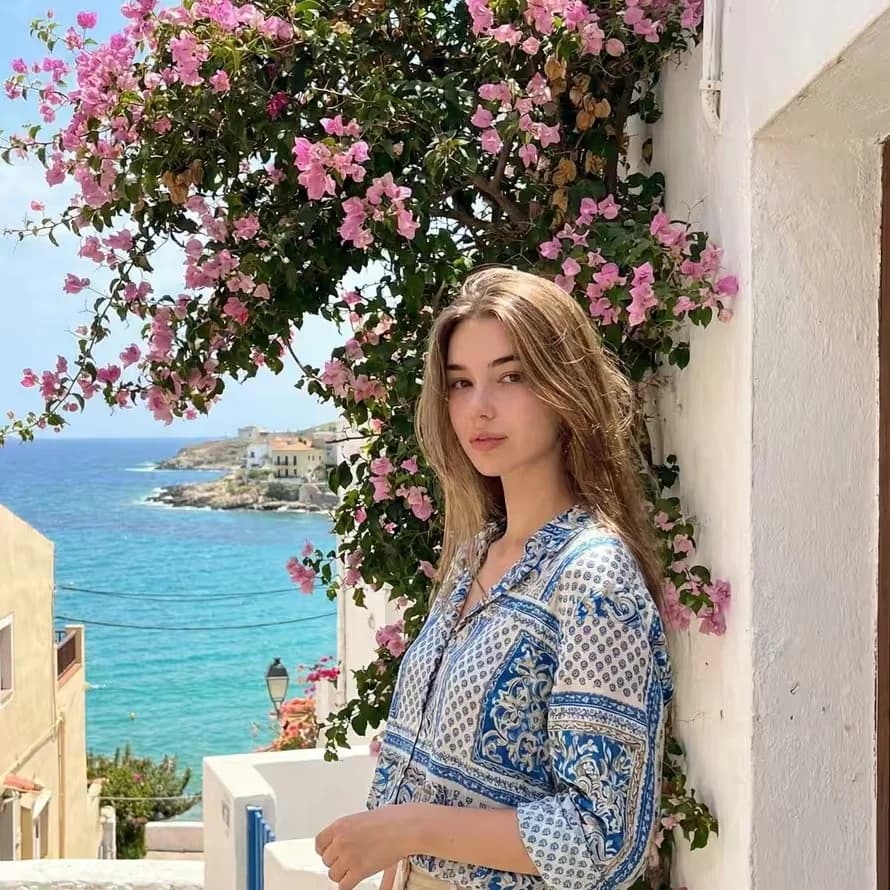
Find a look to start with
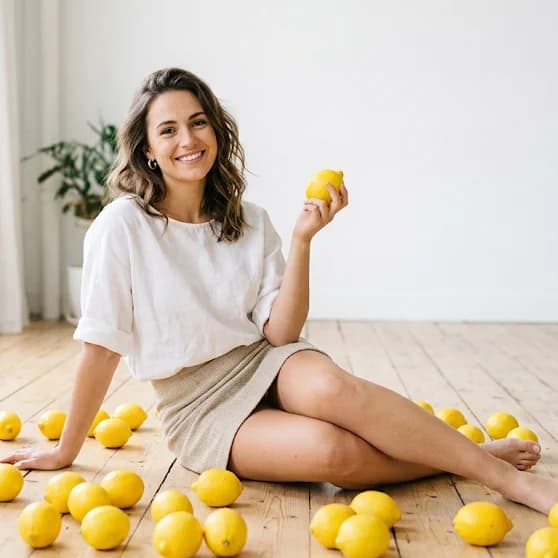
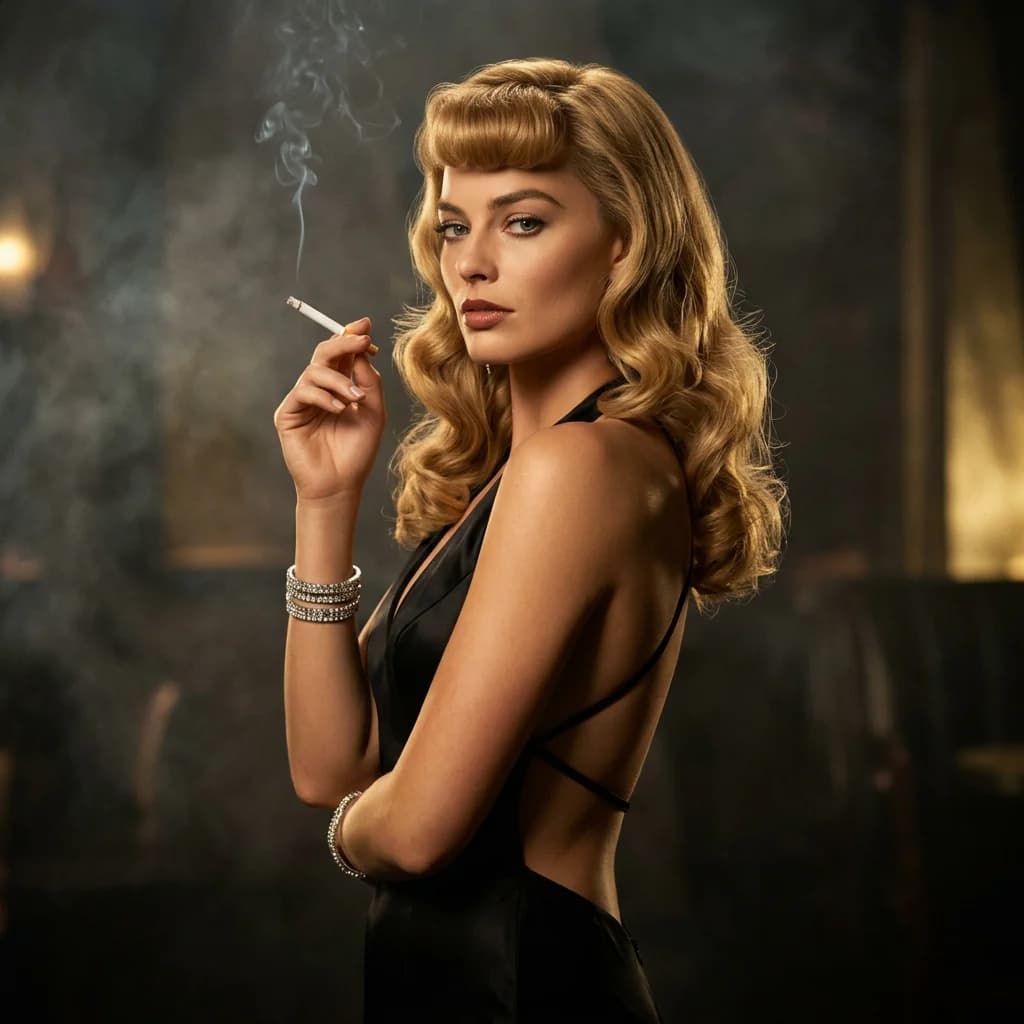
Examples from Elegant Women's Portrait: soft light, flowers, and summer looks. Choose a mood for your photograph.
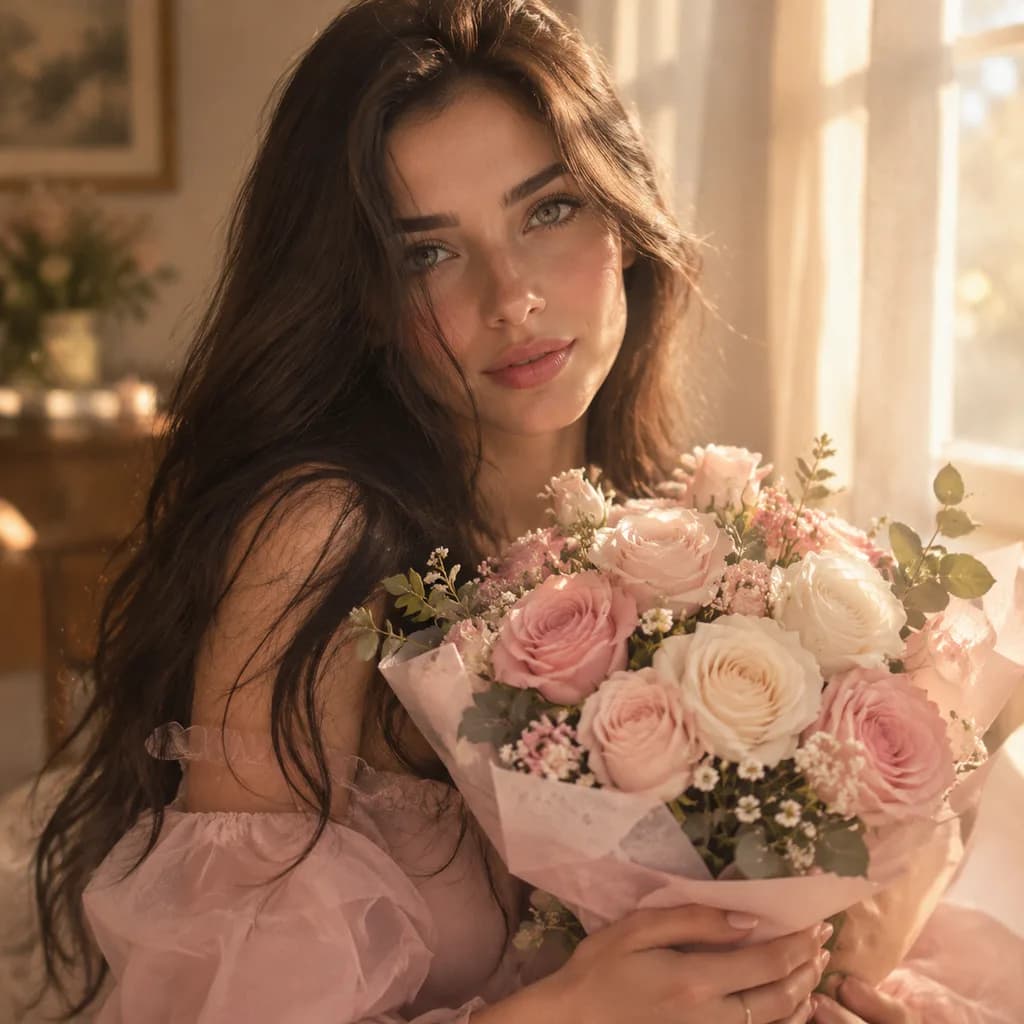
From your photo to a new look
Select a style to see an example. In the studio you’ll add your photo and see the cost before generating.
- Find your mood
Browse examples and choose a template. The catalog is open — no account needed yet.
- Add your photo
Log in to the studio and upload the photos required for your chosen template.
- Create your story
Start generating, see the result, and keep refining your idea in a conversation.
Choose a style
Face photo
Add your photos after logging in to the studio.
An image in motion
Add movement to your image
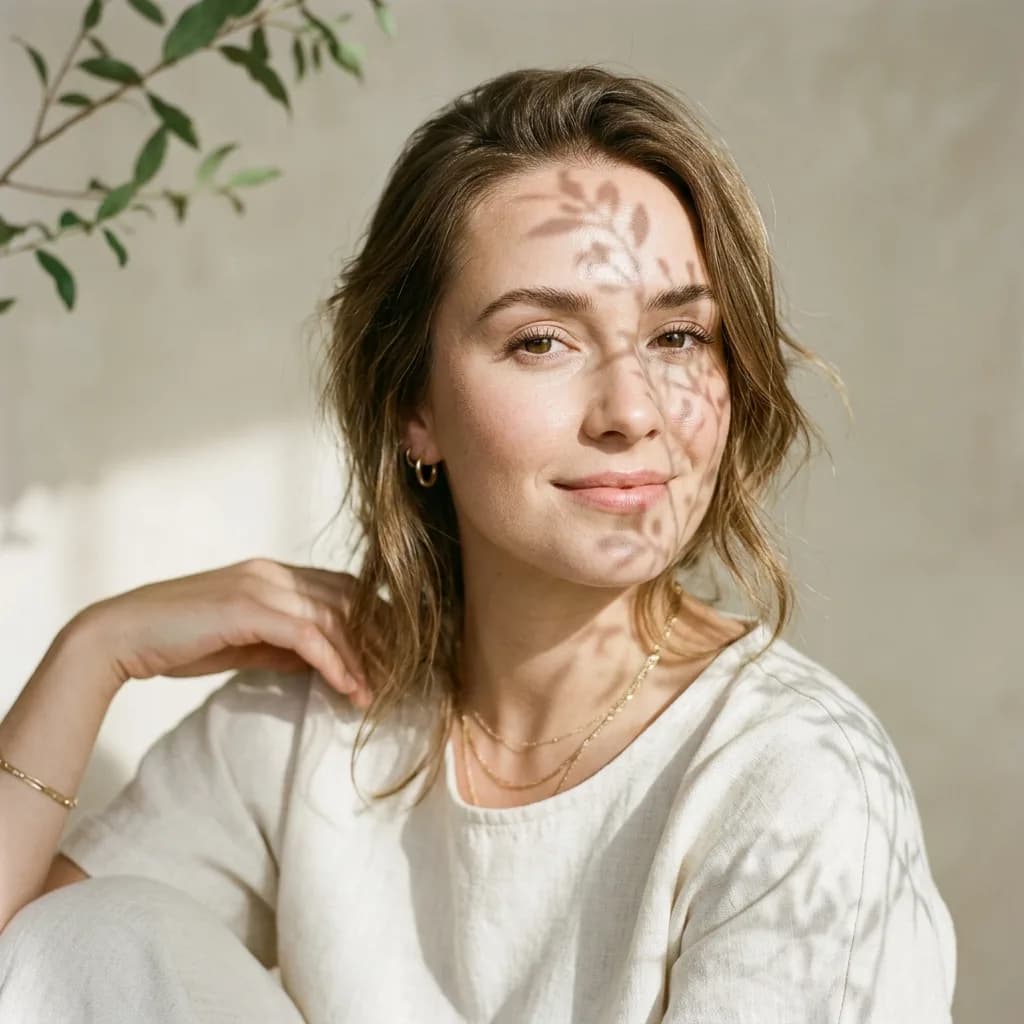
A catalog portrait becomes a short scene: gentle camera movement, a glance, and soft light in her hair. Watch how motion changes the photograph.
View the source template6 seconds · 960 × 960About creating with AI
Coins and pricing
Explore templates and examples without an account. Log in to generate: the studio shows the cost in coins before you start, and available packages in your account.
Explore the studioWhat is an AI photoshoot in PhotoGen?
An AI photoshoot in PhotoGen creates new images from your source photos using AI. A template sets the style and composition, from a studio portrait to a fashion shoot or film scene. Browse its example and source photo requirements, then open the studio to add your photos and check the cost before generating.
Can I browse examples before signing up?
Yes. The home page, catalog, categories, and template pages are public. Log in when you want to upload photos and start generating.
Which photos should I use?
Choose clear photos with good lighting and no heavy filters. Each template page lists the number and type of source photos it needs.
Will it look exactly like the example?
The example demonstrates a style and composition. AI creates a new image based on your photos, so details, likeness, and results may vary.
How much does a generation cost?
Generations use coins. The cost depends on the model and settings and is shown in the studio before you start. Available packages and prices appear in your account.
Can I refine the result?
Yes. Keep working in a studio conversation to refine your idea, change details, and create another version.
Can I create videos too?
Yes, PhotoGen supports video creation. Explore available models, settings, and costs in the studio.
Start with your own photo
Choose a template and open it in the studio.